Start with your creative
Upload an image to transform, or use the Creation Engine to begin with a prompt.
Adapt images for five campaign formats. Create new visuals, review the results, and keep your team’s work in one place.
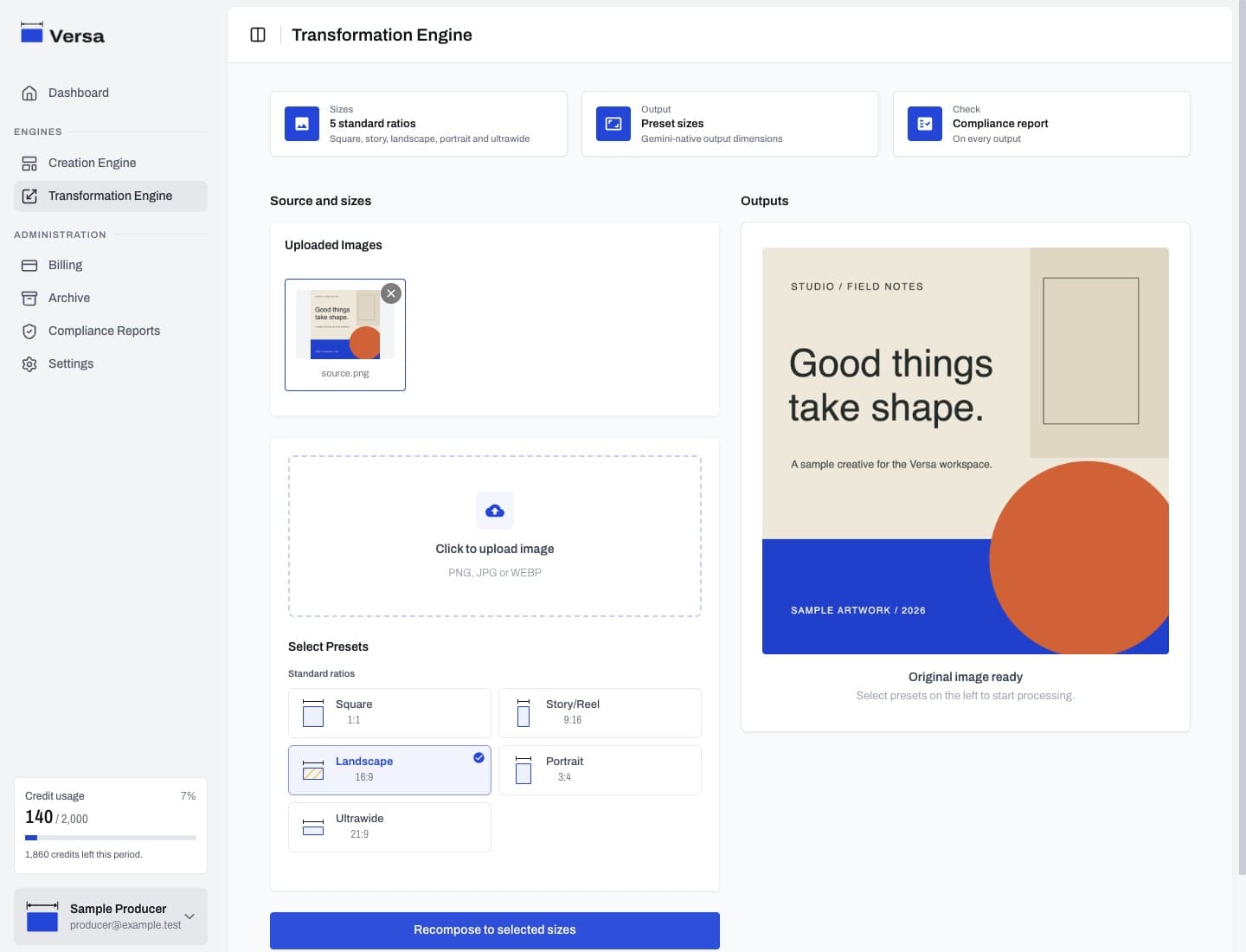
Five standard presets, each with a defined output size.
Preset names describe the format; pixel dimensions show the native output size.
Spend less time moving between tools. Transformation, creation and review share the same workspace.
Try the workflowUpload an image to transform, or use the Creation Engine to begin with a prompt.
Select square, landscape, story, portrait or ultrawide. Add instructions for the result you need.
Check the image and its compliance report before download. Revisit previous work in your archive.
Technical checks, visual heuristics and model-assisted content analysis give you more context for each output. The final decision stays with you.
AI judgments can be wrong. Review generated content before use.
Organizations, user roles, shared plans and credit tracking support the people around the creative. Continue the workflow on web or in the mobile app.
One workspace for creating, adapting and reviewing.